
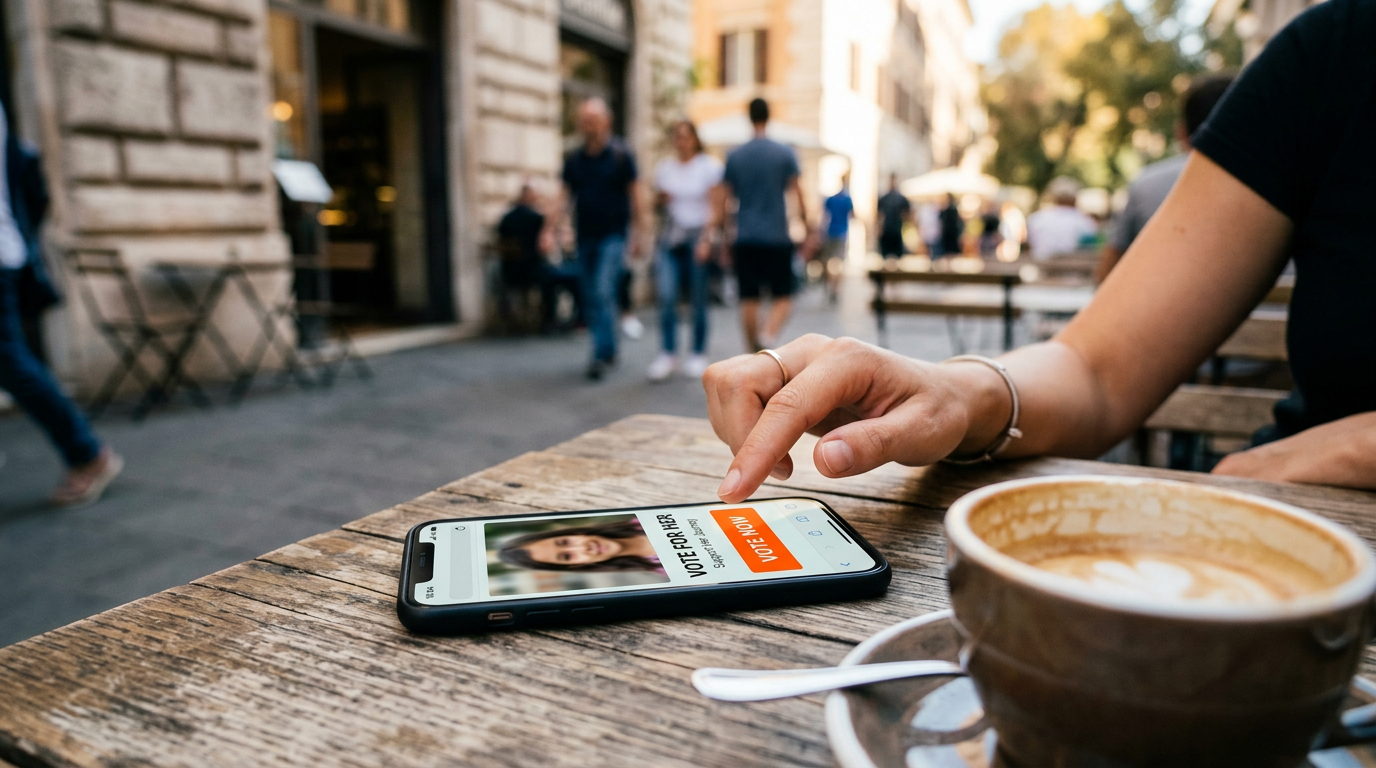

A new wave of scams is spreading across France, Spain and Belgium. People receive messages from someone they know asking them to vote for a friend’s daughter in a competition. Behind this harmless-looking request is a “ghost pairing” scam: if you enter a verification code or approve an unknown linked device, criminals can gain access to your WhatsApp account and ask all your contacts for money.
(Staff: France & Europe / Technology & Security)
In an age when many people believe they can spot phishing at a glance, scammers have found a subtler way to deceive us. Instead of using unknown numbers and badly written messages, they exploit the most powerful tool in the digital world: trust. Imagine receiving a WhatsApp message from a close friend. They are not asking for money or reporting an emergency; they simply ask you to help “Sophie” or “Eliska”, a friend’s daughter, win a competition by clicking a link.
The message seems safe because it comes from someone you trust. In reality, you may have just stepped into a highly effective digital trap.
An apparently innocent request
French cybersecurity authorities have reported a sharp rise in these attempts since the previous weekend. Similar cases have been reported in Spanish and Belgian media. The distinguishing feature is that the messages come from saved contacts, not unfamiliar numbers, making recipients less suspicious.
The message asks you to click a link and vote for the girl. The destination looks like a legitimate competition website, complete with photos, rankings and voting buttons. To validate your vote, the site asks for your phone number.
The trick: the verification code
After you enter your number, WhatsApp sends a verification notification. It is not part of the voting process: criminals are trying to link another device to your account while you believe you are confirming a vote.
If you enter the code on the fake site or approve an unfamiliar connection, you give the attackers access. They can sign in on another device using WhatsApp’s linked-device feature, a technique often called “ghost pairing”. Never share a WhatsApp verification code or approve a connection you did not initiate.
From victim to unwitting accomplice
Once an intruder gains access, they may be able to read conversations, see contacts and send messages in your name.
Jérôme Notin, head of the French Cybermalveillance platform, has explained that scammers often send urgent requests for bank transfers to the victim’s contacts, claiming there is a medical emergency or another pressing expense.
To make the fraud harder to spot, attackers may delete the messages they sent. The account owner may not immediately realise that the app has been compromised.
How to protect yourself
Meta, WhatsApp’s parent company, advises users to stay alert. Do not click unexpected links, even when they come from a friend. Call the person or contact them through another channel to confirm that they really sent the request. Their account may already be compromised.
If you have already interacted with the page, take these steps immediately:
- Check linked devices: Open WhatsApp settings and select “Linked devices”. Log out any browser or device you do not recognise.
- Enable two-step verification: Go to Settings → Account → Two-step verification and set a PIN. This adds protection, but never approve a device connection you did not initiate.
Conclusion
The “friend’s daughter” scam shows that one of the biggest vulnerabilities in digital security is not technology but human trust. Criminals exploit goodwill rather than breaking into servers. A vote in an unfamiliar contest is not worth risking your account or your friends’ money. Treat unexpected links and requests for verification with caution, even when they appear to come from someone you know.




Leave a Reply